
CRM System: Pipedrive, HubSpot or a CRM in Your Own Microsoft 365?
 Mārtiņš Kaļva, Founder & CEO, MS SolutionsLast updated: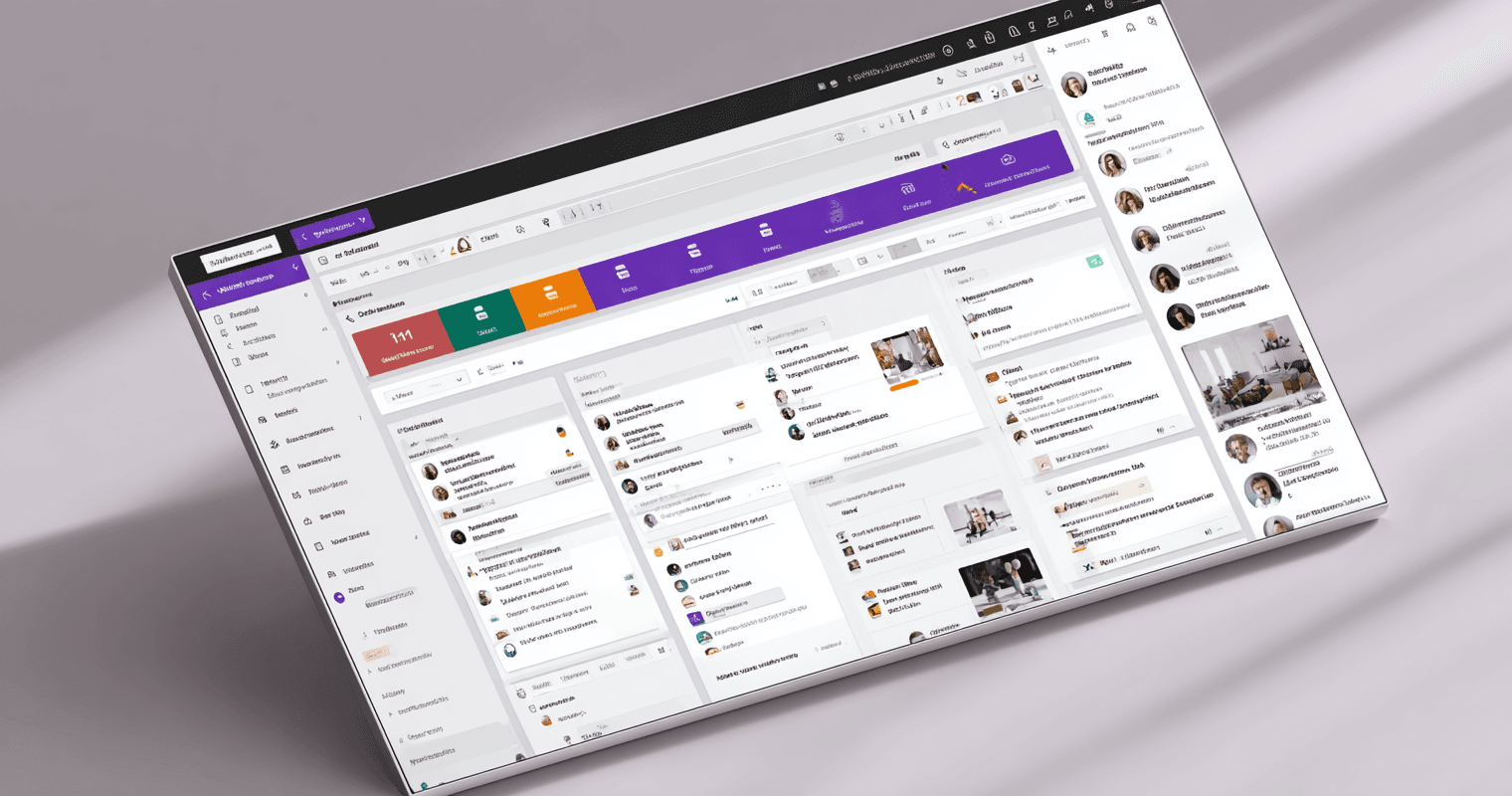
A CRM system is software where a company keeps its customers, contacts, deals and communication in one place, so the sales team sees what to do next. Off-the-shelf CRMs such as Pipedrive, Zoho CRM, HubSpot and Dynamics 365 Sales cost from €14 to €130 per user per month. For twenty users over five years that is from €27,600 to more than $109,000.
In Latvia, "CRM" is searched on Google about 1,000 times a month, "Pipedrive" about 1,300, "HubSpot" about 720 and the Latvian "CRM sistēma" about 260 times (Google Ads Keyword Planner, MS Solutions analysis, October 2026). The question is usually the same: which one to choose, and what it will really cost.
This article covers what a CRM system is, what the popular ones cost, how to choose between an off-the-shelf and a tailored CRM, how to move from Excel, why CRM projects often fail, and when a CRM in your own Microsoft 365 is the better deal.
What a CRM system is
CRM (customer relationship management) is the place where everything about a customer sits together: the company, contacts, deals, quotes, emails, calls and next steps. A sales manager sees the whole pipeline by stage, for example "qualified", "quote", "negotiation", "won". Whoever handled the customer before, the team knows what happened.
Without a CRM, the same information lives in Excel sheets, inboxes and people's heads. That works while the team is small. When deals multiply or a salesperson leaves, the customer history leaves with them.
How much a CRM system costs
Off-the-shelf CRMs charge for every user every month. Prices from the vendors' pages, excluding VAT, read in October 2026:
| CRM | Plans (per user per month) | Source |
|---|---|---|
| Pipedrive | Lite €14, Growth €39, Premium €59, Ultimate €79 (billed annually) | pipedrive.com |
| Zoho CRM | Standard €14, Professional €23, Enterprise €40, Ultimate €52; free for up to 3 users | zoho.com |
| HubSpot Sales Hub | Starter $7, Professional $90 (+ $1,500 one-time), Enterprise $150 (+ $3,500 one-time) | hubspot.com |
| Dynamics 365 Sales | Professional €56.30, Enterprise €91, Premium €130 (paid yearly) | microsoft.com |
| CRM on Power Apps (in your Microsoft 365) | Power Apps Premium €17.30 + build | microsoft.com |
A monthly price looks small, but it adds up. For twenty users over five years (MS Solutions calculation from the table prices):
| Option | 20 users, 5 years |
|---|---|
| Zoho CRM Professional | €27,600 |
| Pipedrive Growth | €46,800 |
| Dynamics 365 Sales Professional | €67,560 |
| HubSpot Sales Hub Professional | $109,500 (including $1,500 onboarding) |
| CRM on Power Apps | €20,760 licences + build |
The off-the-shelf figures leave out customisation, integrations and add-ons, which are often charged separately. The cheapest CRM is not the same as the best value: what matters is whether the team will actually use it.
Off-the-shelf or tailored CRM
An off-the-shelf CRM is a good choice when your sales process is typical: a few stages, standard fields, one team. You can start using it today.
The trouble starts when the process is not typical. A deal goes through a technical assessment, a quote needs sign-off from several departments, or the customer has sites, contracts and service history that need to be seen together. A standard CRM then makes the company adapt to the software, and the team starts keeping Excel next to the CRM.
Building from scratch solves that, but it is slow and expensive. There is a third way: a CRM built on Microsoft Power Platform inside your Microsoft 365. The foundation is ready (data, security, roles, audit log, mobile), and only what is specific to your process gets configured.
In our experience it often starts with "we need a CRM", and after looking at the process the CRM turns out to be a small part. For one client, sales were about 10% of what they really needed. The rest was tracking assets through every stage of the business, which now runs in the same system.
How to move from Excel to a CRM system
- Write down your sales stages. Which stages a deal goes through today, what happens in each, when a deal counts as lost.
- Clean the Excel data. Duplicates, empty fields, one format for company names and phone numbers. Dirty data quickly kills trust in a CRM.
- Start with one team. One sales team and one process, not the whole company at once.
- Move only active customers and deals. History can be added later.
- Switch Excel off. If Excel stays in parallel for more than a few weeks, the team never gets used to the CRM.
Why CRM projects fail
In our project experience a CRM rarely fails for technical reasons. The common reasons are different:
- The process does not fit. The team works differently from what the CRM expects, so they enter data twice or not at all.
- Nobody owns it. If the manager does not look at the CRM in the sales meeting, nobody fills it in.
- Too much at once. Trying to digitalise the whole company in one project means the first version never goes live.
- Another sign-in, another system. Every extra password and browser tab lowers usage.
A CRM in your own Microsoft 365
If the company already works in Microsoft 365, a CRM built inside it gives a few things a separate CRM does not:
- The same sign-in. Employees use their Microsoft account. When someone leaves, blocking one account closes access to everything.
- Outlook and Teams. Emails, meetings and documents sit next to the customer, not in a separate system.
- Your data stays yours. Customer data is stored in Microsoft Dataverse in your company's Microsoft 365 environment, not on yet another vendor's servers.
- It grows with the process. The same platform can be extended with document management, approvals or service tracking.
Two honest points. First, every CRM user needs a Power Apps Premium licence (€17.30 per month, paid yearly), because model-driven apps use Dataverse. A Microsoft 365 licence alone does not cover it. Second, it looks like a serious business application, not a glossy SaaS product.
We deliver most projects like this in three price groups. Focused, single-process apps €3,000 to €10,000. Broader apps with several processes and workflows €7,000 to €15,000. Larger platforms with several integrations €15,000 to €25,000. Delivery from an agreed specification to go-live usually takes one to two months, including testing and training.
Frequently asked questions
Want to see a CRM built around your sales process?
Watch the demo or book a free 30-minute consultation. We'll show you how it would look in your own Microsoft 365.